

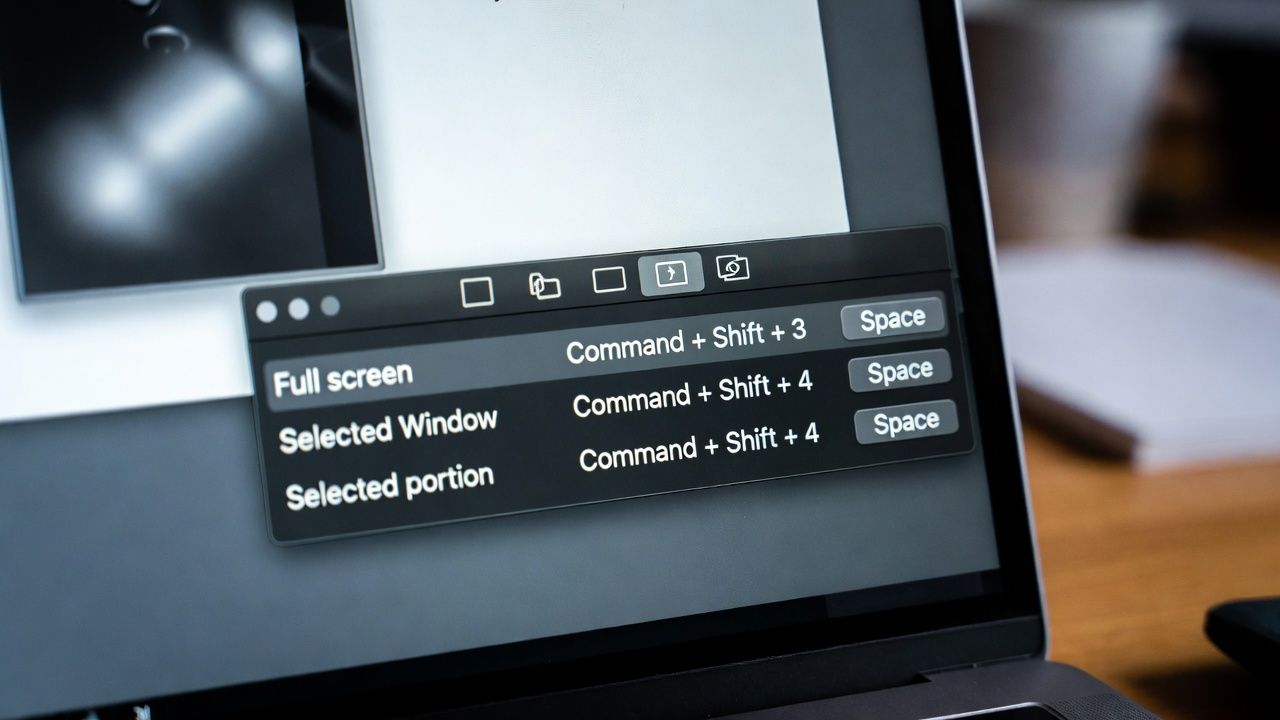
Mac users have had built-in screenshot capabilities for years, but 2026 brings a wider range of tools and workflows that make capturing and editing screen content faster and more versatile than ever. Screenshots are no longer just static images; they’re part of tutorials, troubleshooting guides, and creative projects. Choosing the right snipping tool can save time and elevate productivity.
The default macOS shortcuts remain the quickest way to grab a screen capture, yet many users now look for more advanced options. For those exploring the best snipping tool mac solutions, the landscape includes both free built-ins and premium apps like Movavi Screen Recorder. The key is knowing when to stick with Apple’s native features and when to upgrade for editing, annotation, or video capture.
Built-in macOS Screenshot Tools
Apple’s screenshot system is still the foundation for [….]